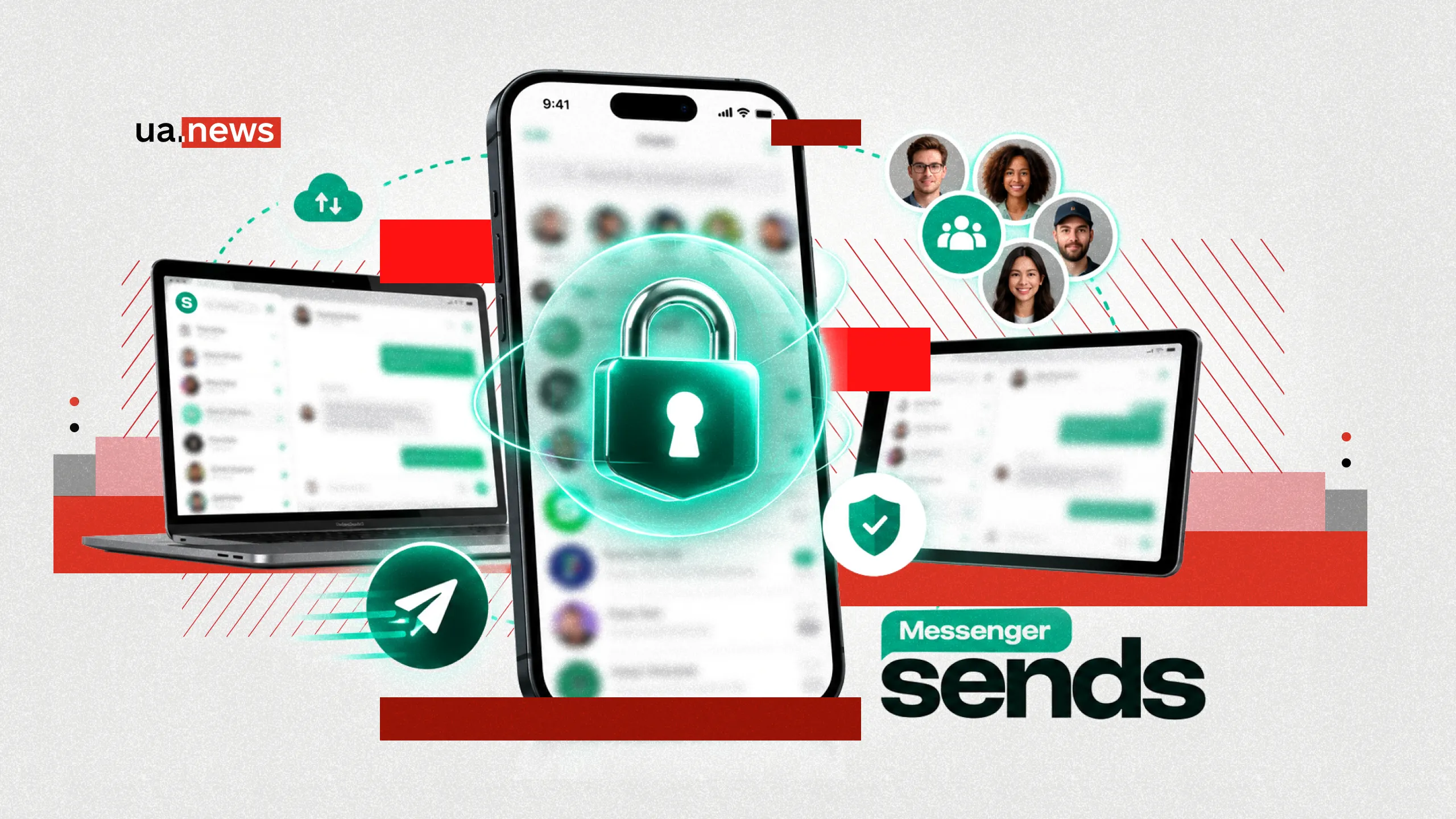
Sends Messenger: How Secure Communication Is Becoming Part of Digital Life
28 October 2026 17:30Personal messages, work documents, family conversations, and financial matters are increasingly being discussed via messaging apps. In this environment, it’s not just the speed of communication and the number of available features that matter, but also the ability to control who has access to information, where it’s stored, and how long it remains accessible.
Sends Messenger is built on precisely these principles. The app combines secure messaging, voice and video calls, group communication, document sharing, and additional digital tools. Encryption technologies, privacy controls, and the ability to work with cryptocurrencies play a special role in its functionality.
Sends Messenger offers users a flexible approach to digital communication. Convenient cloud-based chats are available for everyday conversations, secret messaging with end-to-end encryption for personal information, and groups, calls, notes, and file sharing for organizing tasks.
UA.News explains how Sends Messenger helps protect personal information, organize communication, and use modern digital services all within a single app.
Why Privacy Is at the Heart of Sends Messenger

Digital privacy begins with the ability to control your own data. Users regularly share information via messaging apps that is not intended for third parties: personal photos, work materials, documents, addresses, and details of private conversations.
Sends Messenger addresses these needs by offering protection tools at various levels. These include message encryption, enhanced account security, screen visibility restrictions, and chat history management.
A key principle of the service is combining security with convenience. Users can discuss ordinary, everyday matters, while using a special secure communication format for information that requires extra confidentiality.
This approach makes privacy a practical part of using Sends Messenger. Information protection is integrated into the app’s standard usage scenarios and complements its communication capabilities.
How Sends Messenger Uses Encryption to Protect Conversations

One of Sends Messenger’s key technologies is end-to-end encryption. The principle behind it is that information is encrypted on the sender’s device and decrypted on the recipient’s device.
In Sends Messenger, this model is applied to secret chats. The keys required to decrypt the information are available to the conversation participants. Thanks to this, the service provides a separate communication format for messages that require enhanced confidentiality.
The developers paid special attention to protecting files in secret conversations. According to Sends Messenger’s privacy policy, each media file is encrypted with a separate key before being uploaded. Information about the file’s location and the key is further protected by the secret chat mechanism.
This means that secure communication covers not only text messages but also photos, videos, and other content exchanged between users.
At the same time, Sends Messenger uses a cloud-based infrastructure for regular chats. This model allows chat histories to be stored on servers in encrypted form and accessed from various devices.
Thus, Sends Messenger supports two communication formats. Cloud-based chats are designed for information accessibility and convenient synchronization, while secret chats prioritize confidentiality through end-to-end encryption.
How Sends Messenger Helps Protect Information on Your Smartphone
Even secure messaging requires additional security measures. Messages may accidentally appear in a preview, and your smartphone could end up in someone else’s hands.
Sends Messenger includes a PIN code for additional account protection. It enhances the security of your user profile and complements other authentication methods.
The Screen Security feature plays a special role. It prevents conversation content from being displayed in the app switcher.
For example, when a user switches from the messenger to a browser, email, or another app, the preview does not show the content of their messages to others. This protection is especially useful when using your phone on public transportation, at work, or in other crowded places.
Another feature of Sends Messenger is security codes for verifying a secure connection. They help conversation partners verify cryptographic data and confirm that the communication is secure.
As a result, Sends Messenger addresses several aspects of privacy at once: the security of information transmission, account security, and the confidentiality of messages directly on the device’s screen.
How Sends Messenger Helps You Manage Your Digital Footprint

Not every message needs to be stored for years. Brief agreements, temporary addresses, personal discussions, or work-related clarifications often lose their relevance by the very next day.
Sends Messenger offers a disappearing messages feature that lets you set the duration of their storage in advance.
In secret chats, the user sets a timer; once the timer expires, messages are automatically deleted from the participants’ devices. The countdown begins after the message is read.
This is a useful tool for communication that doesn’t require constant archiving. Users can discuss current issues, exchange temporary information, and independently determine how long it remains available.
Sends Messenger also allows you to edit and delete sent messages. These features help you quickly correct mistakes, update outdated information, and keep conversations current.
There is a separate feature for archiving chats. It allows you to organize your conversations by removing less relevant discussions from the main list without having to constantly scroll through the entire message history.
All these features come together to form a convenient system for managing digital information, where the user decides what to keep, what to update, and when to delete.
How Sends Messenger Combines Personal Communication and Work Tasks
Data protection remains one of the main areas of development for Sends Messenger, but the app covers a much broader range of everyday needs.
Users can send text and voice messages, as well as share photos, videos, documents, and other files. Audio and video calls are available for real-time communication.
These features are especially useful when organizing collaborative work. Group chats allow you to coordinate tasks, discuss projects, share materials, and quickly notify participants of changes.
Sends Messenger also supports group calls and communities. This makes the app suitable not only for personal conversations but also for collaboration among teams, study groups, and people united by shared interests.
To organize your own information, the app includes personal notes. You can use this tool as a personal digital notepad: to save useful links, quick thoughts, materials for future work, and information you’ll need to refer back to.
Personalization also plays an important role. Sends Messenger supports stickers, GIFs, and chat theme customization. Users can tailor the look of their conversations to their preferences and make their daily communication more personalized.
Why Sends Messenger Is Convenient for Communicating Across Different Devices

Modern communication has long since moved beyond a single smartphone. Throughout the workday, people switch between mobile devices and computers, continue project discussions, send documents, and return to previous conversations.
Sends Messenger supports this workflow with mobile apps for Android and iOS, as well as desktop applications for Windows and macOS.
Cloud-based messaging allows you to access your message history across different devices. For users, this means the ability to continue a conversation in a convenient environment, access necessary documents, and quickly find previous information.
This approach is especially practical for those who regularly work with text, photos, documents, and other digital materials.
Sends Messenger combines mobility with the functionality of a full-fledged work tool, helping you stay connected no matter which device you’re using at any given moment.
What financial opportunities does the Sends Messenger crypto wallet offer?

A separate area of development for Sends Messenger is related to digital assets. The built-in crypto wallet expands the app’s capabilities and allows users to combine communication with financial transactions.
Users gain tools for storing, sending, and receiving cryptocurrencies. Among the supported scenarios are transfers to other users and payments for services and digital goods.
The main advantage of this integration is the availability of financial tools within an environment already used for communication.
For example, users can agree on a transfer in a chat and then manage their digital assets within the same app. This simplifies the interaction between communication and financial tasks.
The integration of a crypto wallet also reflects a broader trend in the development of digital platforms. Messaging apps are gradually gaining additional features that previously required separate services.
Sends Messenger is building on this model by combining communication tools with access to cryptocurrency tools and expanding the app’s everyday use cases.
How Sends Messenger Approaches Personal Data
Privacy depends not only on encryption technologies but also on the principles by which a digital service handles user information.
In Sends Messenger’s official privacy policy, the company states that it does not use personal data for targeted advertising. The service adheres to the principle of storing only the information necessary to ensure the app’s functionality.
Users also have access to settings for managing contacts and other account data. Phone book synchronization occurs with the user’s consent, and the relevant settings can be changed in the privacy settings.
An important feature is the ability to delete an account. The service’s policy provides for the deletion of associated data stored in Sends Messenger’s cloud infrastructure.
In addition, the app supports the automatic deletion of inactive accounts after a specified period of inactivity. Users can adjust this timeframe in the settings.
These mechanisms complement the technical protection of messages and allow for greater control over the information generated while using the digital service.
Sends Messenger offers a comprehensive approach to communication, in which security technologies, convenient communication, and digital tools work together. Secret chats, privacy settings, options for one-on-one and group communication, and a crypto wallet transform the app into a multifunctional space for modern users.
It is precisely this combination of features that makes Sends Messenger an attractive solution for people who value privacy, want to organize their digital lives, and use various services within a single environment.
You can try out Sends Messenger right now. The app is available for Android and iOS smartphones. You can download the messenger from the official app stores: Google Play for Android and the App Store for iPhone.