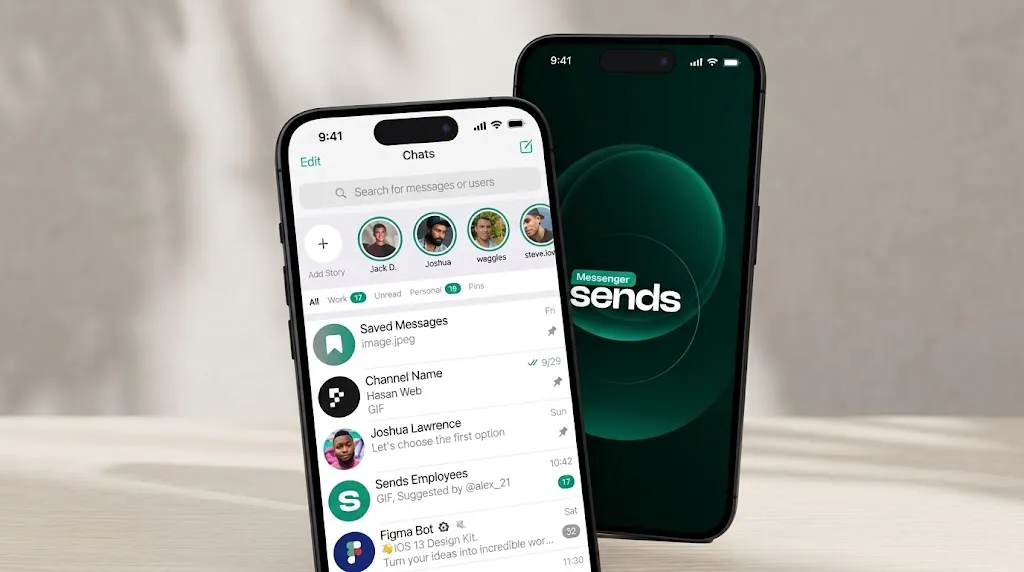
Why You Should Try Sends Messenger: From Private Messaging to a Crypto Wallet
16 October 2026 11:14Sends Messenger combines text messaging, voice and video calls, file sharing, group chats, and tools for protecting private conversations. The service’s features include disappearing messages, the ability to edit sent messages, a PIN code to protect your account, custom stickers, and a built-in crypto wallet.
In a market where users are accustomed to Telegram, WhatsApp, and other popular platforms, new messaging apps are trying to attract users with more than just their interface. Specific features matter: how chats are organized, whether message previews can be hidden, how cross-device synchronization works, and what tools are available for managing your own data.
Sends Messenger offers several interesting solutions for everyday communication. Let’s take a closer look at its features—from privacy and chat customization to additional digital services.
Message Security and Privacy Settings

Privacy in a messaging app depends on more than just encryption. It’s also important how secure your account is, what appears on your smartphone screen, and what data the service collects while you’re using it.
Sends Messenger includes a PIN code for additional account protection. This adds another layer of access control that complements standard authentication. The service also features Screen Security: it hides chat previews in the app switcher. This is especially useful when a user opens the list of running apps in a public place or near other people.
Another aspect is how messages are stored. According to Sends Messenger’s privacy policy, cloud-based chats are stored on servers so that users can access their chat history from various devices. Secret chats use end-to-end encryption, in which the keys are accessible only to the conversation participants, and the content of such chats is not stored on servers like a regular cloud-based chat history.
The service also states that it does not use users’ personal data for targeted advertising. This is an important consideration for those who evaluate messaging apps not only based on their feature set but also on how they handle user data.
Disappearing Messages and Chat History Management
Conversations gradually accumulate messages that no longer have any practical value. Temporary arrangements, brief personal discussions, and one-day information can remain in the chat history for months, even though the need for them has long since disappeared.
Sends Messenger supports disappearing messages. In secret chats, users can set a timer; once the timer expires, messages and media files are deleted from participants’ devices. The countdown begins after a message is read, so this feature allows you to organize conversations with a limited retention period for information.
To manage your chat history, you can also delete and edit messages, and chats can be archived. These are different tools for different tasks: disappearing messages help limit how long certain information is stored, editing allows you to correct text, and archiving helps remove less relevant conversations from the main chat list.
This set of features is useful for those who want to keep their conversations organized and avoid turning their chat list into an endless archive of messages.
Message Editing, Custom Stickers, and Personalization
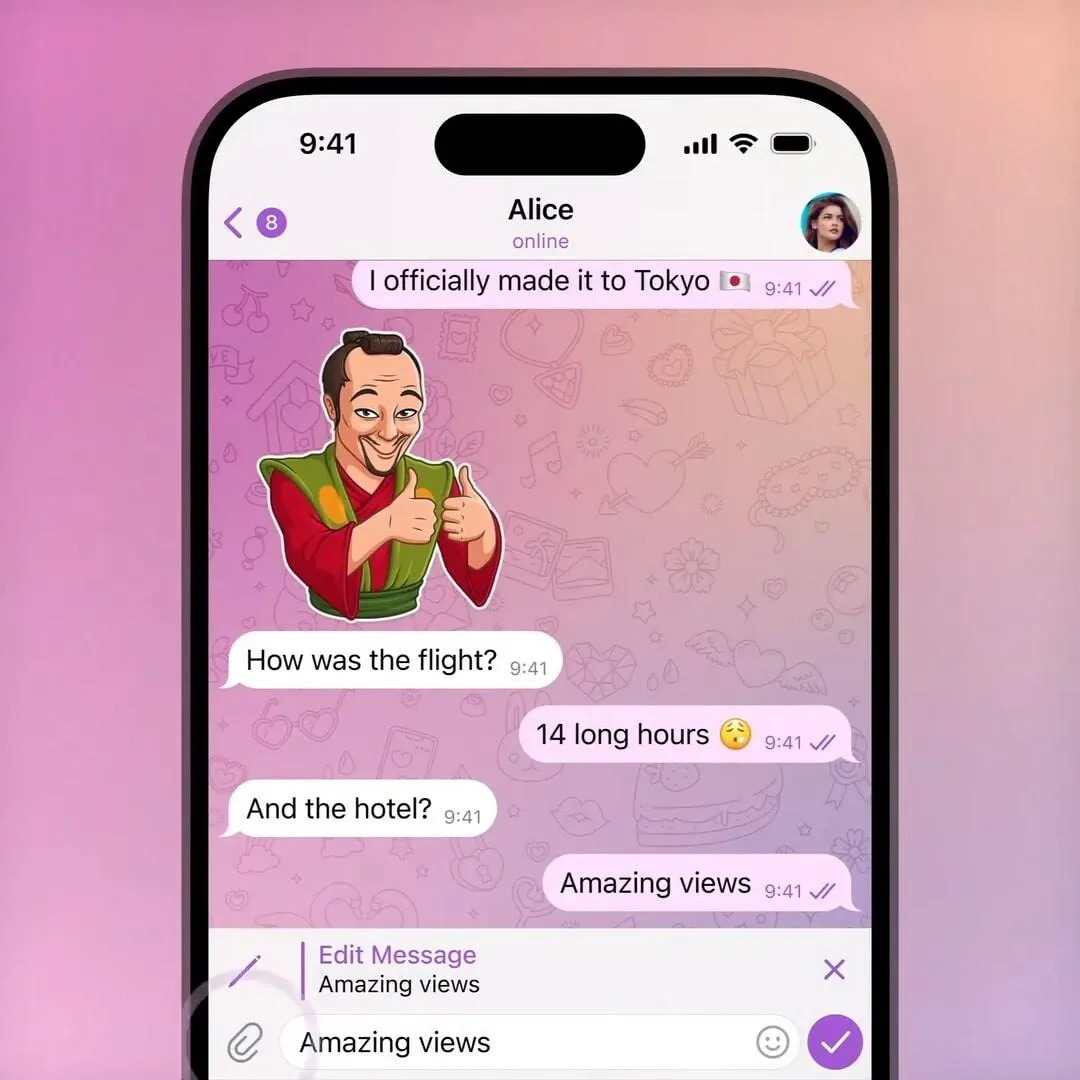
A text sent by mistake, an incorrect date, or a missing word can change the meaning of a message. The ability to edit text that has already been sent helps correct such errors without having to send several clarifications in a row.
Sends Messenger supports editing and deleting messages, as well as sharing photos, videos, documents, and voice messages. This allows you to use the app not only for short text exchanges but also for sharing various types of information within a single conversation.
Another key feature is personalization. The messenger includes stickers and GIFs, and users can create their own stickers. Additionally, settings for chat colors, wallpapers, and themes are available. This allows users to customize the interface’s appearance according to their preferences, rather than being limited to the default design.
These features make everyday communication more flexible: some functions help you work with text, others let you share media files, and personalization allows you to customize the look of your chats.
Group Chats, Calls, and Communities
Group communication has become an important part of everyday digital life. Family arrangements, plans with friends, educational discussions, and work coordination often require a shared space where all participants can exchange messages and files.
Sends Messenger supports group chats as well as audio and video calls. During video calls on mobile devices, you can switch between a grid view of participants and a mode that focuses on the person currently speaking. You can also control the camera, microphone, and audio output.
In addition to private conversations, the service supports public channels and groups where people can discuss shared interests. This expands the range of use cases: the messenger can be not only a place to communicate with friends but also a platform for participating in themed communities.
The combination of text messages, media files, calls, and group chats allows users to use a single app for various forms of communication.
Use on a Smartphone and Computer
Many people need a messaging app throughout the day, but it’s not always convenient to use just a smartphone. While studying or working on a computer, it’s easier to reply to messages from your desktop, send documents directly from folders, and avoid constantly switching between devices.
Sends Messenger is available for Android and iOS, and also has desktop versions for Windows and macOS. The cloud-based chat storage model allows you to access your chat history on different devices without having to rely solely on external backups.
The service also includes a “Notes to Self” feature. This personal space can be used to save messages, links, files, or information you’ll need to refer back to later. This is a convenient solution for those who frequently transfer content from one device to another or use the chat as a small repository for current notes.
Thanks to the integration of mobile and desktop versions, the messenger remains accessible in various situations—from a quick chat on a smartphone to extended correspondence while working.
Crypto Wallet and Digital Payments Within the Messenger
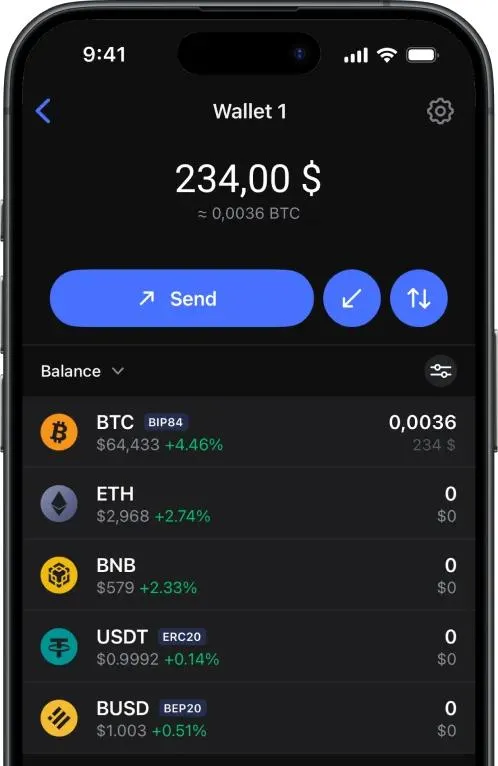
One of Sends Messenger’s standout features is its built-in crypto wallet. According to the service’s description, it is designed to store, send, and receive crypto assets without the need to open a separate app for each transaction.
Among the stated use cases are transfers to friends and family, paying for services, and purchasing digital goods. This approach combines communication with financial tools within a single interface. For users who already interact with digital assets, this may be an additional reason to take notice of the service.
At the same time, a crypto wallet is not an essential feature for every user. Its value depends on whether a person uses crypto assets in their daily transactions. For other audiences, messaging, calls, group chats, and privacy tools will remain the main features.
The combination of these features shows that Sends Messenger aims to go beyond basic text messaging and offer additional capabilities within a single app.
How to Try Sends Messenger
To explore the service’s features, visit the official Sends Messenger website and select the app for your device. You can start with regular messaging, then try group chats, calls, theme customization, personal notes, and other features.
Download Sends Messenger for iOS or Android, invite your friends or family, and see for yourself what the app has to offer.