Sonos has added playback controls to the iPhone lock screen
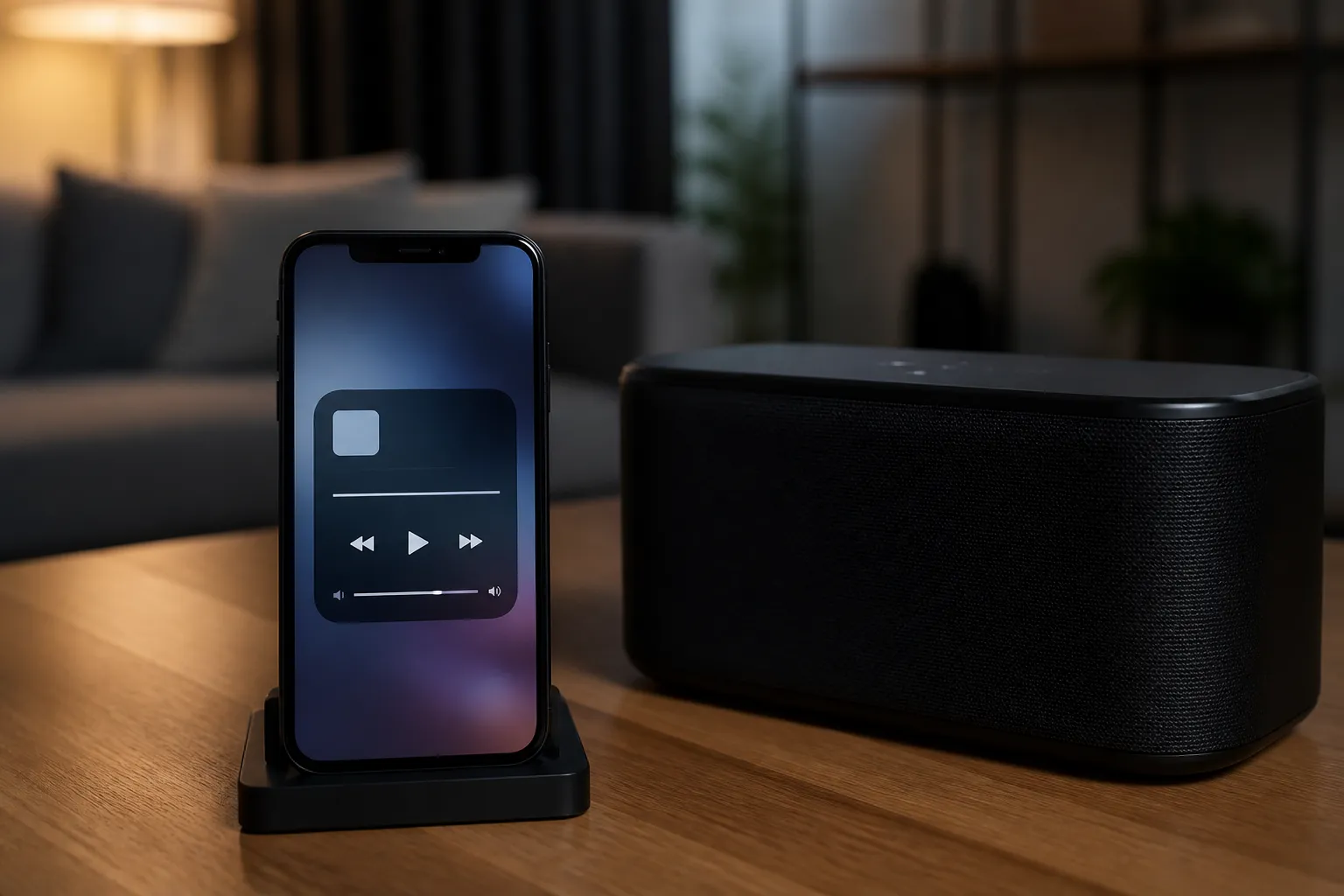
Sonos has released an update to its iOS mobile app that adds support for Live Activities. iPhone users will be able to control music or podcast playback on their Sonos system from the lock screen without unlocking their smartphone or opening the app, according to The Verge.
Once the feature is enabled, the lock screen will display the name of the group or room where audio was last played, as well as the title of the track the user is listening to. The Live Activity appears after playback starts and the Sonos app is closed.
The feature is turned off by default. To enable it, you’ll need to adjust settings both within the Sonos app itself and in the Sonos settings section on iOS. Once playback stops, the Live Activity item will automatically disappear from the lock screen after 15 minutes.
For more breaking news, follow the UA.News Telegram channel.
Currently, the new interface does not display album art. Live Activity will also appear on Apple Watch and CarPlay, but playback controls are not yet supported on these devices. Sonos stated that it continues to refine the feature and is exploring alternative ways to enhance the lock screen experience.
Sonos CEO Tom Conrad previously hinted at support for Live Activities and lock screen controls—similar to what’s already available in the Android version of the app—in an interview with Bloomberg.