Tesla expands Grok voice commands, but not for all vehicles
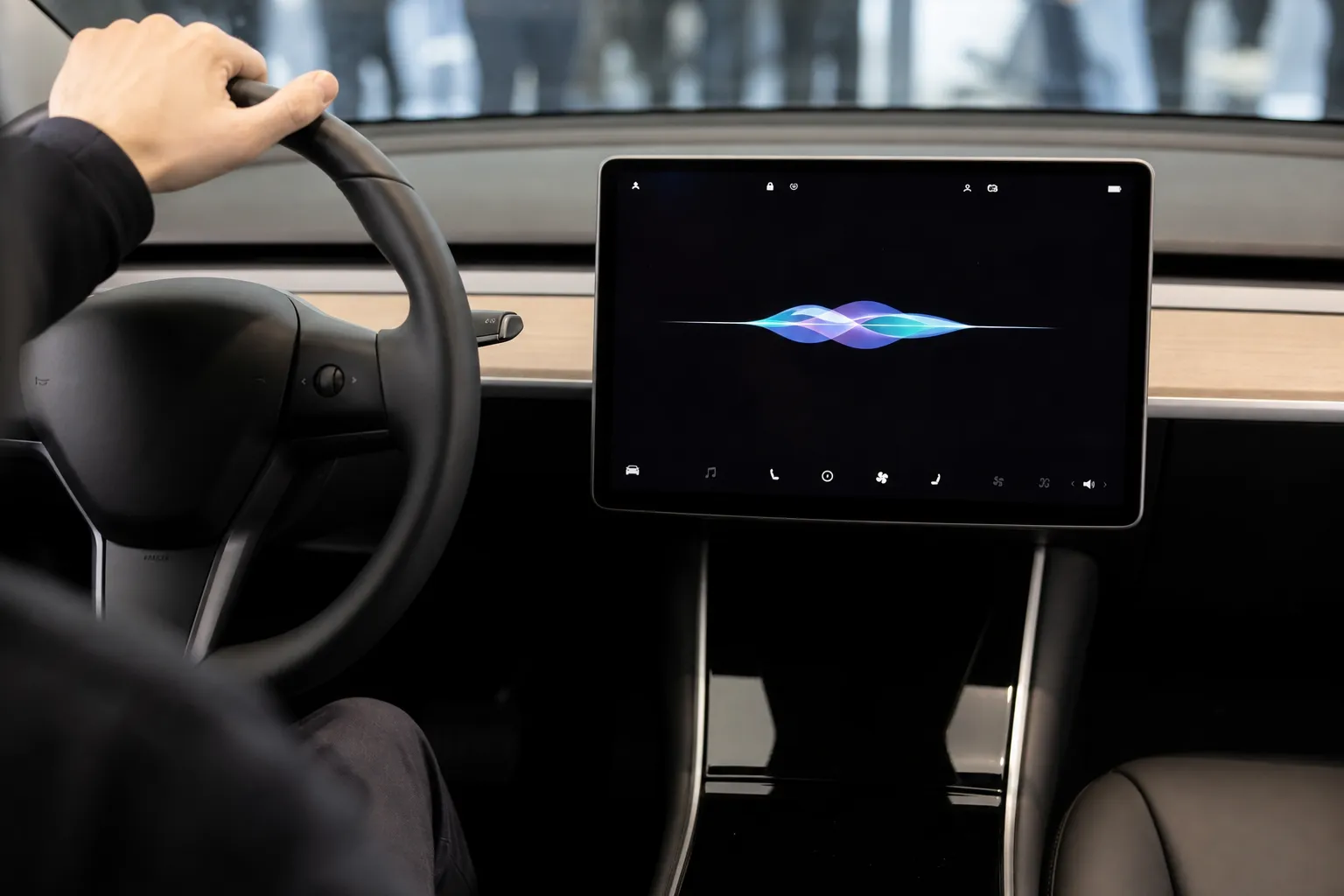
Tesla has expanded the capabilities of the Grok voice assistant in its 2026 summer software update. It can control a range of vehicle functions, including climate control, mirrors, windshield wipers, seat heating, navigation, and Sentry mode, Motor1 reports. The expanded set of commands is available only to vehicles with an AMD Ryzen infotainment processor.
Voice control of vehicle functions
The 2026 Summer Update with firmware 2026.26.6.5 allows users to summon the assistant with the phrase “Hey Grok” and control everyday functions without pressing the central screen. In particular, the driver can change the cabin temperature and fan speed, turn on window defrosting, adjust seat heating, fold mirrors, open the glove compartment, and change windshield wiper speed.
Grok can also process navigation requests, such as searching for the nearest Supercharger charging station, a restaurant, or a route home. A voice command can save a video clip from the Dashcam or activate Sentry Mode.
116 out of 170 tested commands
In a test by the Drive Tesla Canada community, the assistant completed 116 out of 170 spoken commands without screen interaction, or slightly more than 68%. Among the update’s capabilities is the processing of sequential requests: Grok can recognize several actions in one sentence and perform them without being summoned again.
More current news is available on the UA.News Telegram channel Telegram.
Tesla’s release notes for version 2026.27.200 also state that Grok can make calls, play music, adjust climate control, search for settings in the Controls menu, and answer questions about the vehicle or updates. Users can customize the assistant’s voice and personality, as well as separately enable the “Hey Grok” activation phrase and location-related reminders.
Limitations for older models
Some commands, including access to deeper settings menus and certain FSD toggles, still require use of the screen or the steering wheel button. At the same time, Tesla vehicles with older Intel Atom hardware do not receive the expanded set of voice commands regardless of the software version.
The assistant can be launched in three ways: with a voice phrase, by long-pressing the voice control button on the steering wheel, or through the App Launcher. All these options open the same natural-language request processing mechanism.