Audacity 4 gets non-destructive editing and a new interface
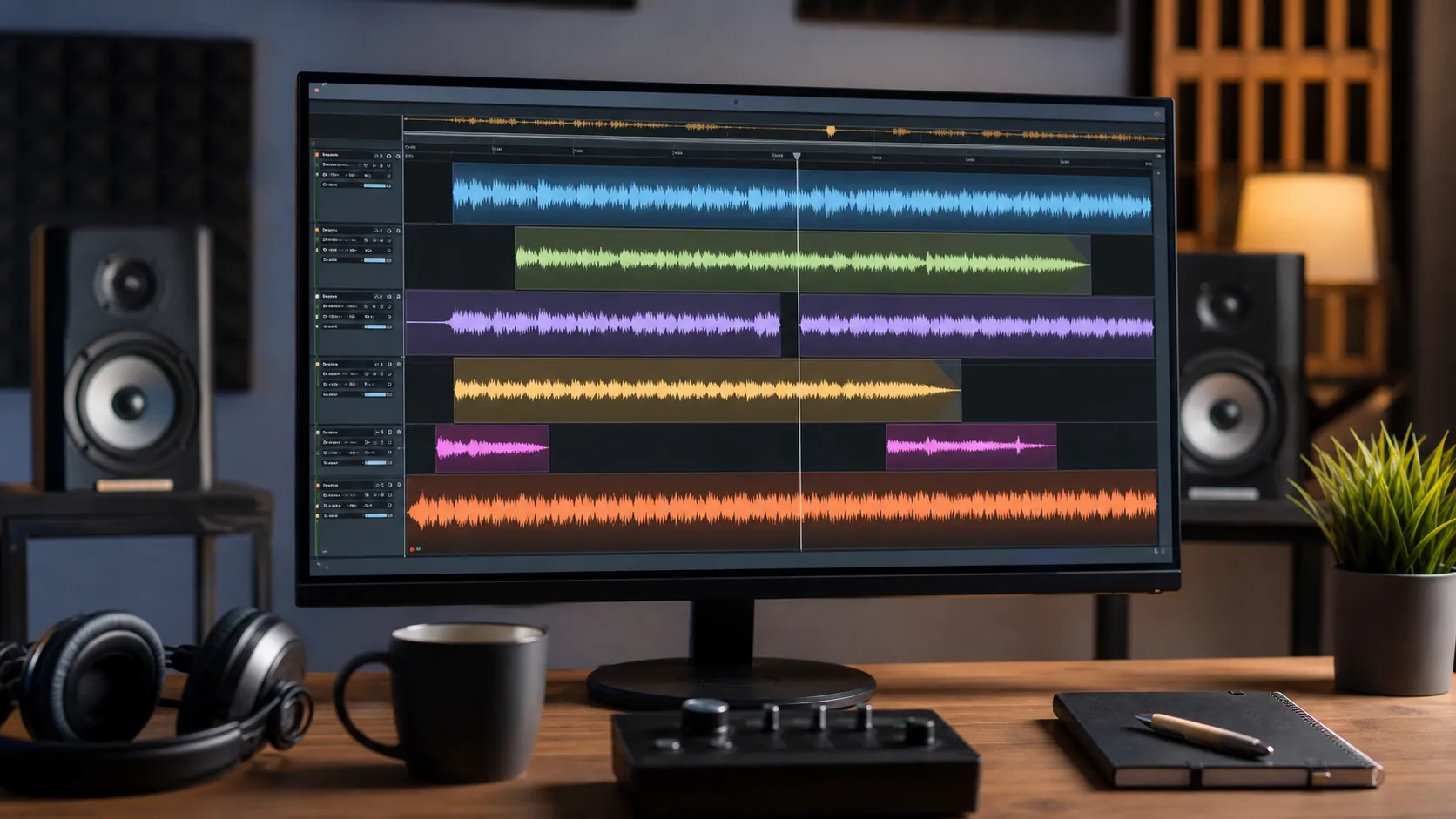
Audacity 4, an application for recording and editing audio, has introduced non-destructive editing, updated clip handling, and changed its interface. As The Verge reports, the update is intended to bring the application closer to modern digital audio workstations.
Editing without losing audio
The key change is the transition to a non-destructive workflow. After trimming an audio clip, a user can restore the hidden part of the recording by extending the clip boundary.
Clips can also be overlaid on one another. This makes it possible to insert audio even when there is no free space on the timeline and then adjust its position. In previous versions, when a clip was dragged over another recording, it stopped, so moving a fragment required cutting and pasting it.
More current news is available on the UA.News Telegram channel Telegram.
Updated tools and appearance
Audacity 4 adds the ability to split clips, making it easier to cut and rearrange audio fragments. The developers also updated clip envelopes and built-in effects, and added a home screen with redesigned project organization.
The application has received a new look and customizable themes. Audacity's design has been brought closer to other Muse products, including MuseScore and Audio.com. Audacity has existed since 2000 and retained an almost unchanged layout for a long time despite the addition of new features.