Sends Messenger: What We Know About the Messaging App with Secure Chats, a Crypto Wallet, and Additional Digital Features
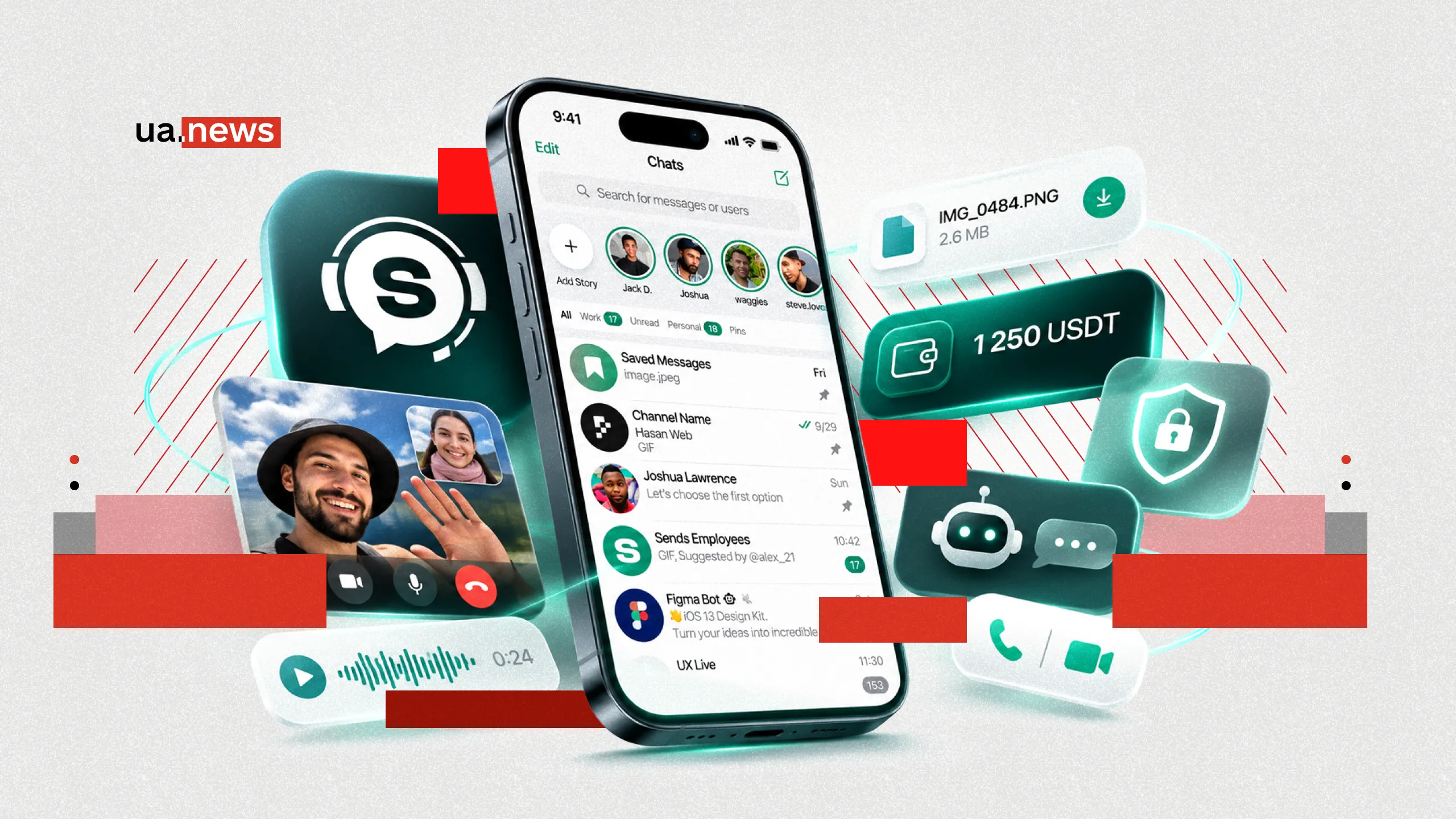
Sends Messenger is a messaging app that combines one-on-one and group chats, voice and video calls, file sharing, privacy tools, and a built-in crypto wallet.
One of Sends Messenger’s key features is its approach to data security. The app supports secret chats with end-to-end encryption, messages that self-destruct, additional PIN protection, and privacy settings.
A separate area of the service’s development is related to financial technologies, specifically cryptocurrency transactions and the use of virtual phone numbers.
What Is Sends Messenger and How Did the App Come About?
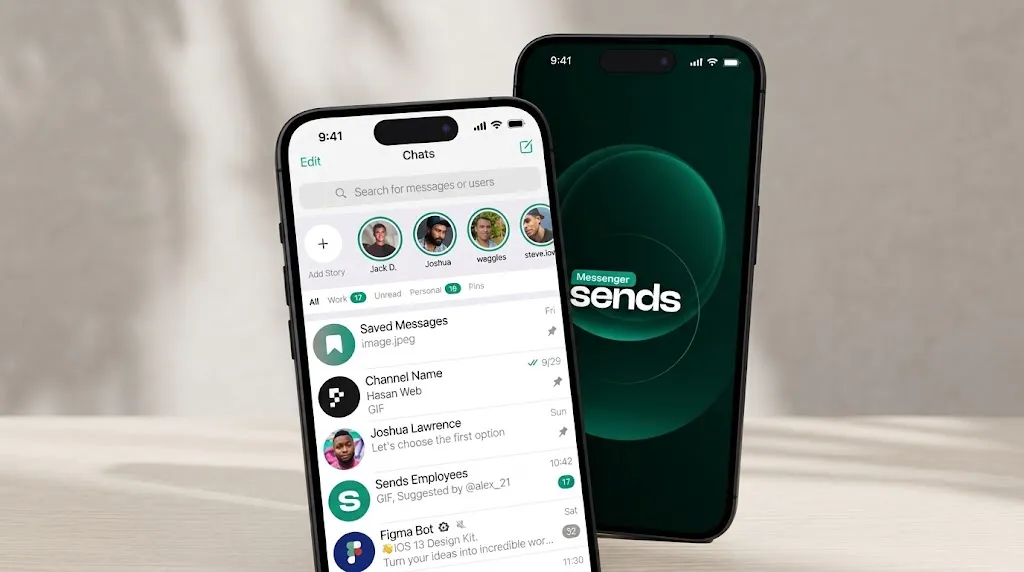
The history of Sends Messenger began in 2025. An international team of developers worked on creating the service, aiming to offer users a tool for everyday communication with an emphasis on privacy and control over personal data.
The concept was based on several principles: an intuitive interface, secure messaging, the ability to use the app on various devices, and the absence of ad targeting based on personal information.
At the same time, the developers decided not to limit themselves to standard messages and calls. They added group communication tools, channels, communities, cryptocurrency transactions, and additional personalization options to the app’s functionality.
The first noticeable result of this development was growth in the user base. In January 2026, the team announced that it had surpassed the 10,000-registered-user mark.
The developers also announced plans to expand their presence in international markets, particularly in Ukraine, European countries, India, and the Middle East.
By design, Sends Messenger can perform several tasks at once. It offers messages and calls for personal communication, secret chats for confidential conversations, and groups, documents, and video calls for work.
How Sends Messenger Protects Personal Messages
Message security is one of the core features of Sends Messenger. To ensure this, the app incorporates various encryption and data storage mechanisms. The messenger supports two main communication formats: regular cloud-based chats and secret conversations.
In regular chats, messages, photos, videos, and documents are stored in encrypted form on the service’s servers. This allows users to return to their chat history after logging in from another device.
For more confidential communication, Sends Messenger offers secret chats with end-to-end encryption. With this technology, messages are encrypted directly on the sender’s device and decrypted only on the recipient’s device. The keys needed to access the conversation’s content remain with the participants.
According to Sends Messenger’s privacy policy, secret chat history is not stored on servers, unlike in standard cloud-based chat apps. Media files are protected separately. Photos, videos, and other materials sent in secret chats are encrypted with individual keys.
Thanks to this separation, users can independently determine which communication format is best suited for a specific conversation.
Disappearing Messages, PIN Codes, and Chat Control in Sends Messenger

In addition to protecting information during transmission, Sends Messenger offers tools for managing messages that have already been sent. One such feature is the automatic deletion of messages after a set time. In secret chats, users can specify how long a text, photo, or video will remain accessible to the other person.
The countdown begins once the message is read. When the set time expires, the app deletes the corresponding information from the participants’ devices.
This feature is ideal for brief arrangements, temporary addresses, or private discussions that do not need to be saved for an extended period. Sends Messenger also allows you to edit sent messages. For example, if a user made a mistake in a meeting date or entered an incorrect address, the text can be corrected without having to send additional clarifications.
To organize your conversations, there’s a chat archiving feature. It lets you remove less relevant conversations from the main list while still being able to return to them later.
Another security feature is an additional PIN code to protect your account. The developers have also implemented Screen Security—a feature that hides the messenger’s content in the preview of open apps.
Sends Messenger also includes features to restrict message forwarding and screenshot capture.
What communication features does Sends Messenger offer?
Sends Messenger supports a set of tools necessary for everyday communication. Users can send text and voice messages, photos, videos, documents, and other files. Audio and video calls are available for real-time communication.
Special attention has been given to group chats. They allow you to discuss common issues with multiple participants at the same time, share materials, and organize workflows.
During group video calls, you can control the camera, microphone, and audio playback settings. On mobile devices, various participant display modes are available, including a grid view or a format that highlights the active participant.
In addition to private and group chats, Sends Messenger supports public channels and communities. These can be used to share news, hold themed discussions, or interact with an audience.
To personalize your communication, you can use stickers, GIFs, various themes, and chat backgrounds. Users can also create their own sticker packs.
A separate feature is personal notes, where you can save documents, links, short notes, and other materials.
Message Translation, Bots, and Additional Features in Sends Messenger

Sends Messenger offers tools that expand the capabilities of standard communication. One of these is text message translation. It allows you to maintain conversations with users who speak other languages without having to constantly rely on third-party translation services.
The service’s documentation also describes the capabilities for automatically translating messages in chats, groups, and channels. For voice and individual video messages, speech-to-text conversion tools are available. This feature can be useful when a user is unable to listen to an audio recording.
Google technologies may be used to perform these tasks. Enabling translation or speech recognition may involve sending the corresponding text or audio to a third-party service.
Another area of focus is communication automation. Sends Messenger supports an API—a programming interface that allows independent developers to create their own bots.
These programs can answer standard questions, execute commands, help search for information, or automate specific processes. Bots can be used in private and group chats.
Sends Messenger Crypto Wallet and Virtual Numbers
One of Sends Messenger’s features is a built-in crypto wallet that allows users to combine regular messaging with digital asset transactions. With this tool, users can store, receive, and send cryptocurrency without having to open a separate app for each transaction.
For example, two users can agree on a transfer while chatting and then proceed to the corresponding wallet feature. The service uses a non-custodial model for storing cryptocurrencies.
Its distinctive feature is that the owner of the digital assets independently controls the private keys or other means of accessing the funds. At the same time, the owner is responsible for safeguarding the information necessary to regain access.
Potential use cases for the crypto wallet include transfers between users, receiving digital assets, and paying for various services and digital goods.
In addition, Sends Messenger supports integration with the eSends platform, which allows users to create an account using Web3 numbers.
This allows users to register in the messenger without using a primary phone number or a physical SIM card. A code sent to the linked crypto wallet is used to confirm authorization.
How to Install Sends Messenger
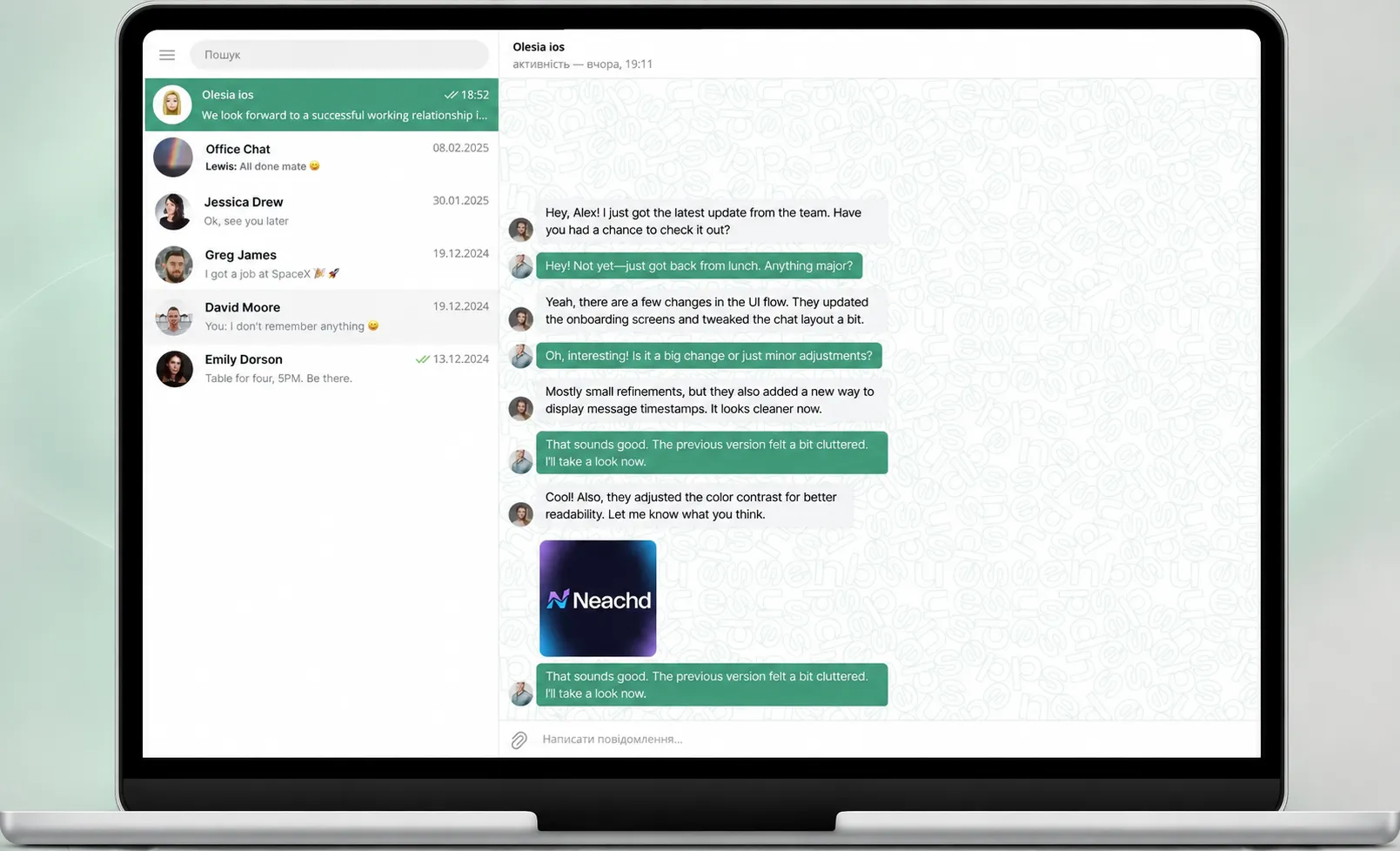
You can download Sends Messenger to your smartphone or computer via official app stores and the developers’ website.
- Android: Google Play.
- iPhone and iPad: App Store.
- Windows: official download page.
- macOS: Sends Messenger Desktop.
To get started, you need to install the app, create an account, and set up your profile. After that, you can start chatting, create groups, make calls, and use other available features.